The remote work well-being station
Designing against isolation, digital overload, and physical drift.
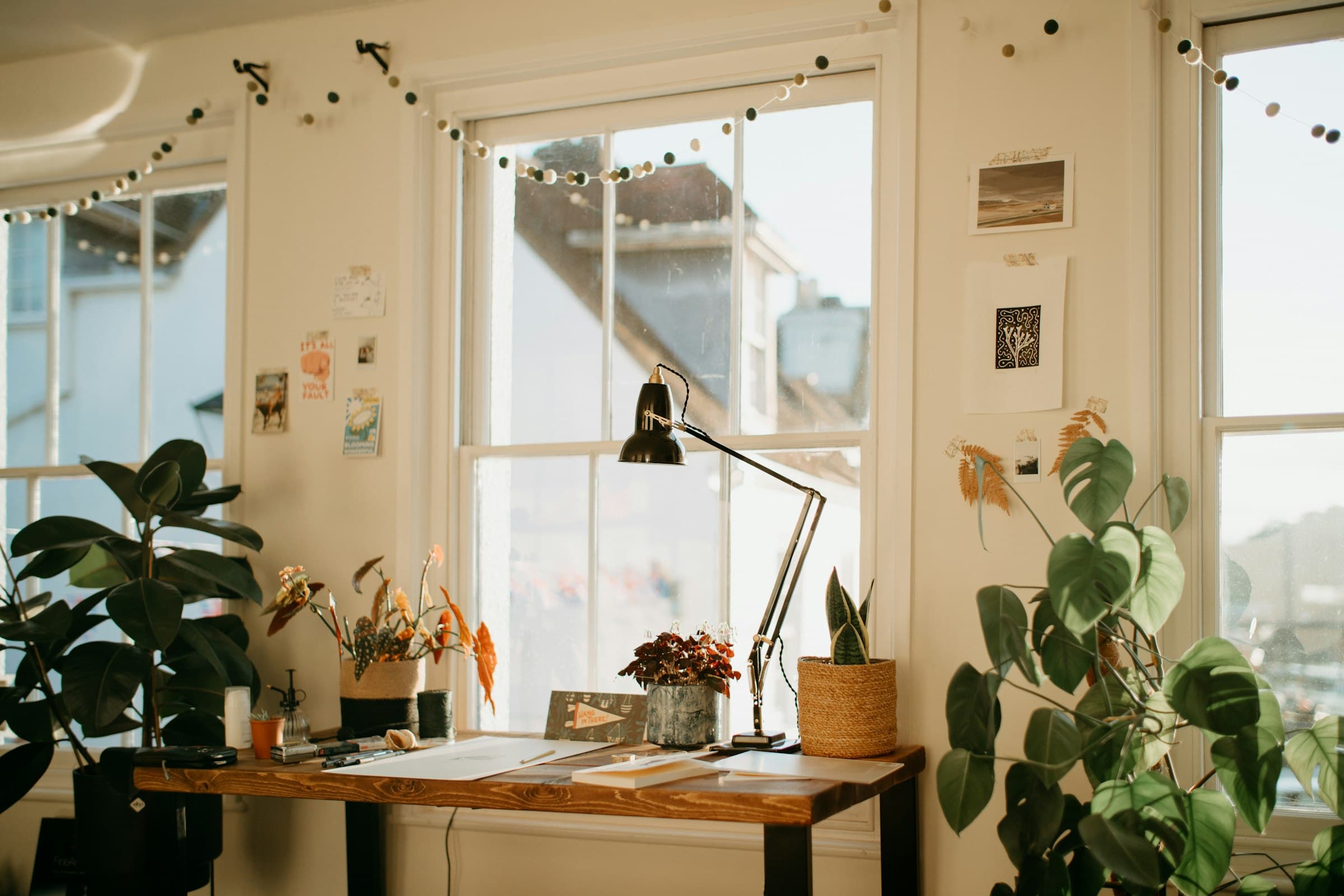
Photo: Annie Spratt / Unsplash
A home office is more than a desk and a screen. It shapes attention, body habits, human contact, and the small recovery gestures that keep a workday from becoming one long session.
The weak point of remote work is not always equipment. Often it is drift: messages stay open, water sits in another room, the same posture lasts too long, and quiet starts to feel like focus even when it is really isolation.
The answer is a calm, legible setup that keeps those habits easy to repeat.
01. The home office is more than a desk
Occupational-health sources treat remote work as a full work arrangement, not a change of scenery. CCOHS lists isolation, weak separation between home and work, possible excessive hours, difficulty maintaining contact, and injury risk when a home office is not set up well.
The ILO makes a similar point. Working from home can bring control and flexibility, but it can also produce social isolation. The practical conclusion is sober. The workstation has to carry more than the task: it also has to make breaks, contact, and shutdown easier to find.
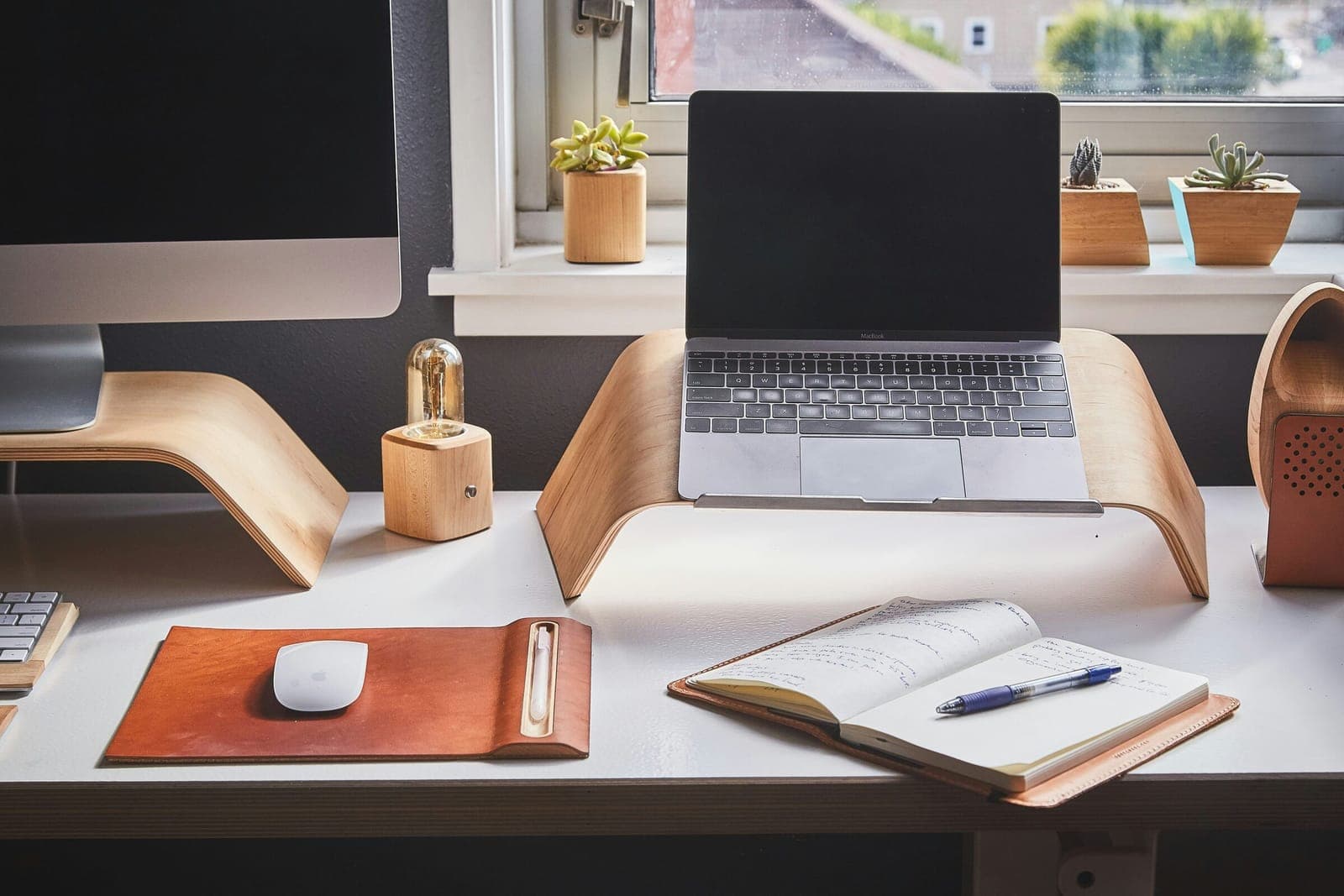
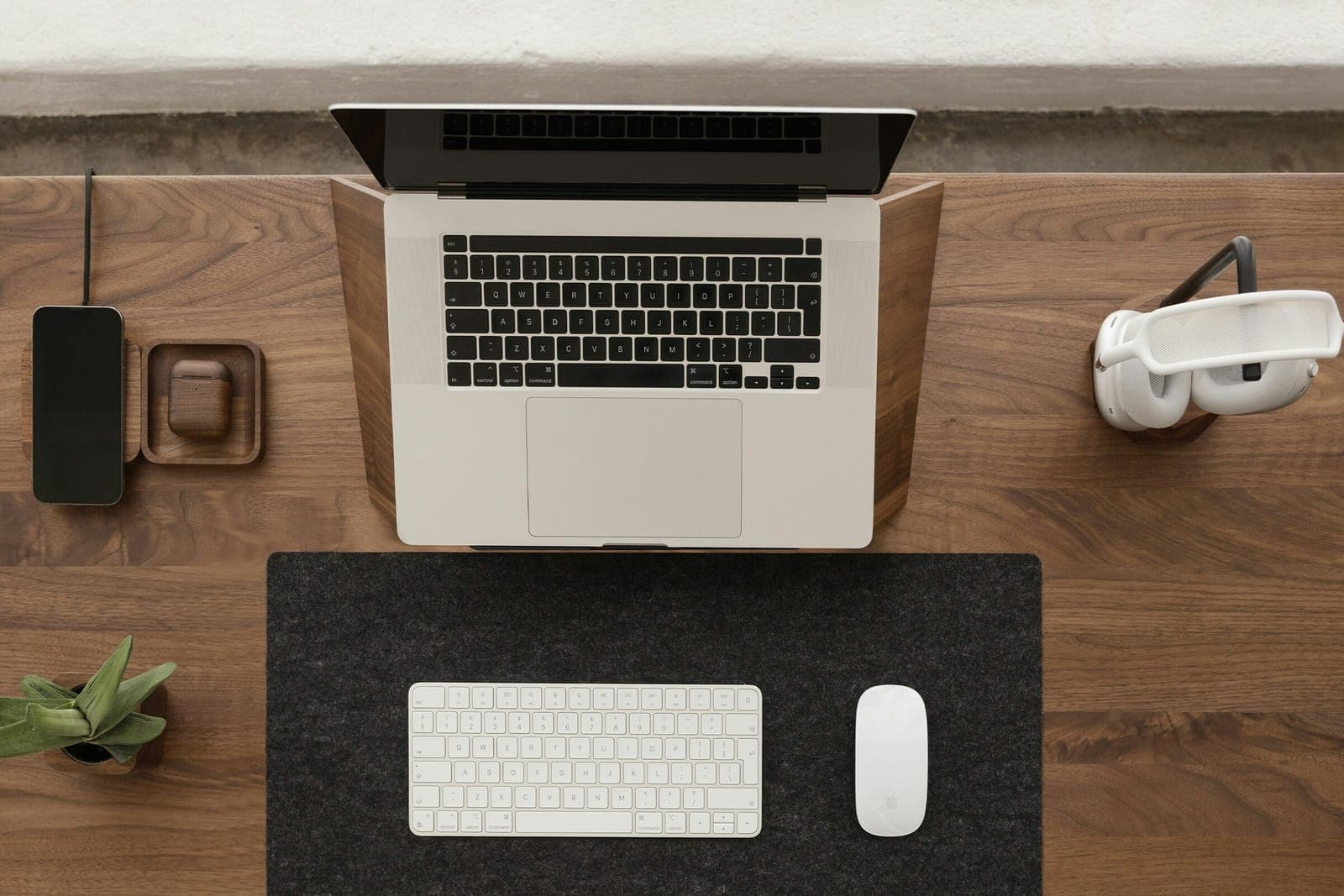
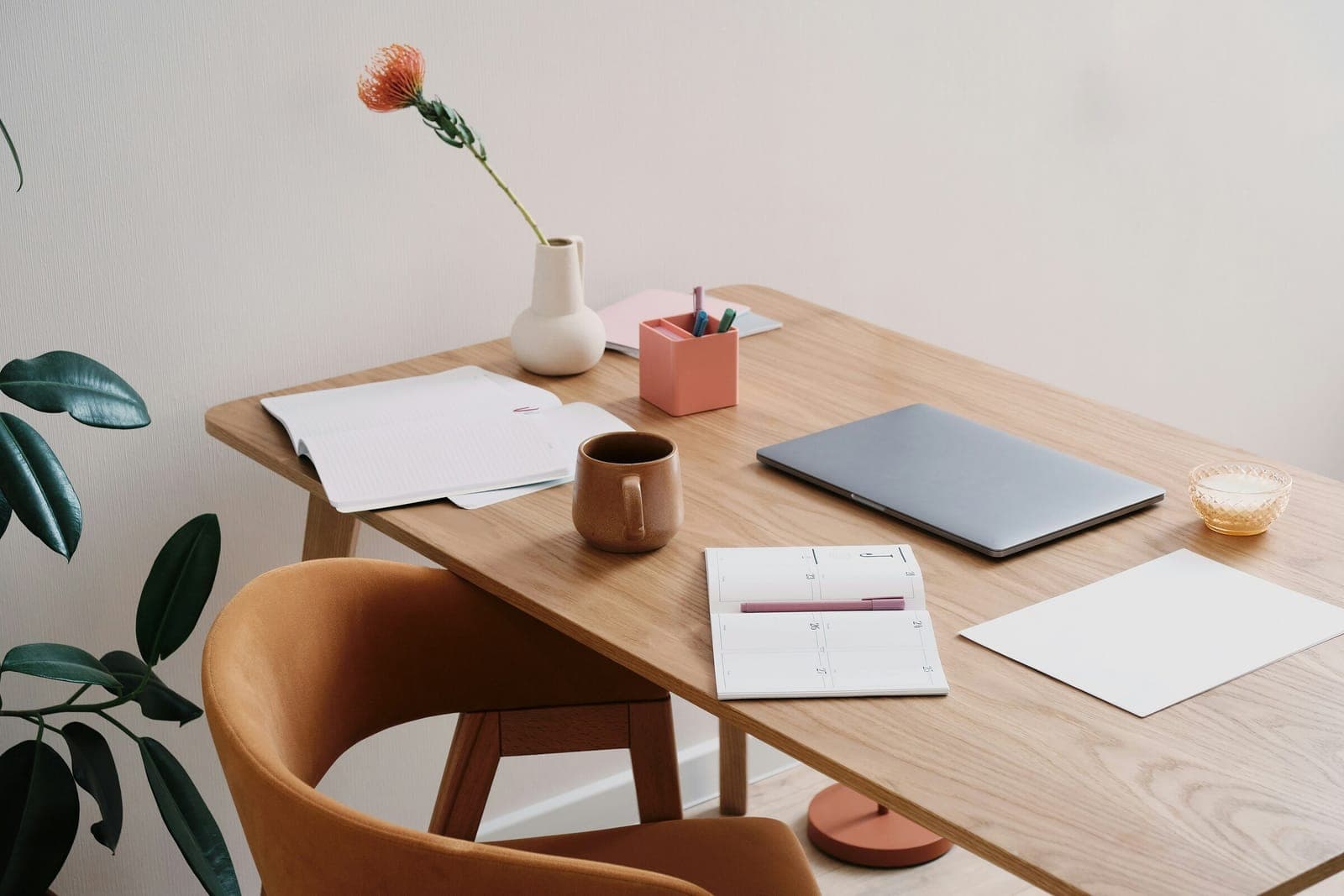
Here, “well-being station” means an arrangement rather than a product category: where the water sits, how the screen is placed, what remains visible, where small objects land, when messages can enter, and what action tells the body the workday is done.
Look at your desk at 4 p.m. If it no longer helps you drink, move, limit messages, or close the day, clutter may be only part of the problem. The setup no longer supports recovery.
02. Design against digital overload
Digital overload usually arrives quietly. A chat window stays open. Email refreshes in the corner. A second screen becomes a wall of incoming work.
Gloria Mark, Daniela Gudith, and Ulrich Klocke give us a useful caution in their CHI paper on interrupted work. In their experiment, interrupted participants completed some tasks faster, but reported more stress, frustration, time pressure, and effort. The practical point is to stop treating interruptions as free, not to avoid communication altogether. We return to this mechanism in our article on the science of remote-work productivity.
INRS gives this a workplace frame. When a task does not require immediate response, workers and organizations can manage the flow of messages instead of living inside it: turn off some notifications, plan email-reading windows, and clarify rules for electronic requests.
At the desk, the rule becomes practical. The main screen carries the task. A second screen should have a job: reference document, technical preview, temporary video call. If it mainly keeps messages visible, it enlarges the room where interruptions wait. Keeping the surface legible is also a matter of the psychology of a visibly ordered desk: whatever stays in view keeps claiming attention.
At the start of a work block, keep one task, one source, and one notebook visible. Everything else has to earn its place.
The material side of the workstation — zones, supports, storage — has its own dedicated guide: organising a home-office desk, accessory by accessory.
03. Design against physical drift
Physical drift is quieter than clutter. You begin in a decent position, then the body slowly negotiates with the room. The laptop drops lower. The glass stays in the kitchen. Shoulders creep up. A break becomes waiting in front of the inbox.
INRS notes that prolonged screen work can involve musculoskeletal, visual, stress, and sedentary-posture risks. The answer is not one perfect posture. Its practical screen-work guide points instead to active breaks, standing up, moving, and looking away from the screen.
A good station makes those gestures more likely. Water stays visible without sitting in the keyboard path. A notebook gives non-urgent thoughts somewhere to land outside the screen. A lamp lights the surface without glare. The top of the screen sits near eye level, in line with Mayo Clinic and INRS workstation guidance.
Movement can stay modest. WHO notes that every amount of physical activity counts and that all age groups should limit sedentary time. For a workday, that is enough of a brief: do not hunt for the perfect posture all day. Find the next variation.
04. The five-minute reset
A well-being station only works if it creates a repeatable gesture. Five minutes is enough.
Stand up. Refill the water. Look away from the screen, ideally out a window. Walk or stretch briefly. Return to the desk and clear the surface: empty cup gone, finished paper moved, secondary objects back on the tray, next task visible.
The modest scale is deliberate. INRS recommends active screen-work breaks, ideally every 30 minutes, to allow physical, visual, and mental recovery. In real work, the exact rhythm depends on the job. The principle is stable: a break should interrupt posture and screen attention, not become inbox-watching under another name.
Five small steps to reset the desk
- Stand upLeave the seated position for a moment.
- RefillReturn water to its place.
- Look into the distanceTake a visual break.
- MoveChange position.
- ClearFree the surface before returning.
05. Design against isolation
Isolation is not solved by a plant. It is solved first by the way contact is scheduled.
CCOHS recommends a contact routine with a supervisor or co-workers and participation in meetings or gatherings where possible, partly to avoid becoming invisible. The ILO also emphasizes regular communication with managers and peers.
The desk can support that pattern, but it cannot replace it. A notebook kept open to one page can hold points to share with the team. A fixed calendar slot can become a moment of presence rather than status reporting. A short walk before or after work can stand in for the missing commute.
The end-of-day boundary matters too. CCOHS recommends a specific work location, regular start and finish times, and beginning and end rituals. At home, that can stay simple: close the notebook, put away the headset, empty the glass, switch off the lamp, cover the keyboard.
06. What belongs in the station
A good well-being station gives a few useful things a fixed place.
Water needs a visible edge, close enough to return to. Mayo Clinic notes that fluid needs vary by health, age, activity, weather, and environment, so the desk goal is not a universal intake target. It is simpler: keep water from disappearing. For a fuller routine, see our guide to the desk hydration system.
The lamp should make the surface readable without glare. The notebook catches thoughts that do not deserve a notification. A small tray receives passing objects: earbuds, pen, glasses, access card, USB key. The plant does not need to pretend to be treatment. It simply keeps the desk from feeling like a terminal. The surface itself matters too: for the role of felt and cork, see the materials that make the difference.
The screen area has a more technical role. For the full setup, see our guide to home-office ergonomics. For this station, keep the point simple: the screen should be high enough, stable enough, and placed clearly enough that your body does not have to negotiate with it all day.
Finally, keep one closure object. A box, tray, cover, or lamp you always switch off at the end. The gesture is practical before it is symbolic: the home does not close the office for you.
07. The goal is not self-optimization
Remote work already has enough dashboards. The well-being station should not become another way to measure yourself.
It should make a few things less costly: drink before you forget, move before you stiffen, close messages before they eat the task, speak to someone before the whole day becomes silent, place one object that says work is finished.
The desk does not need more objects. It needs objects that stay quiet and return at the right moment.
CCOHS, “Telework / Remote Work / Working From Home”
ILO, Robertson and Mosier, “Work from home: Human factors/ergonomics considerations for teleworking”
INRS, “Travail sur écran : prévention des risques”, updated 11 June 2025
INRS, “Le travail sur écran”, practical guide ED 6538, 2024
INRS, “Communiquer avec les outils numériques”, ED 6508
Mark, Gudith and Klocke, “The Cost of Interrupted Work: More Speed and Stress”, CHI 2008
Mayo Clinic, “Office ergonomics: Your how-to guide”
Mayo Clinic, “Water: How much should you drink every day?”, January 21, 2026
World Health Organization, “Physical activity”, 26 June 2024
. Removed the box that presented two Altowork products: a desk mat and a desk shelf.