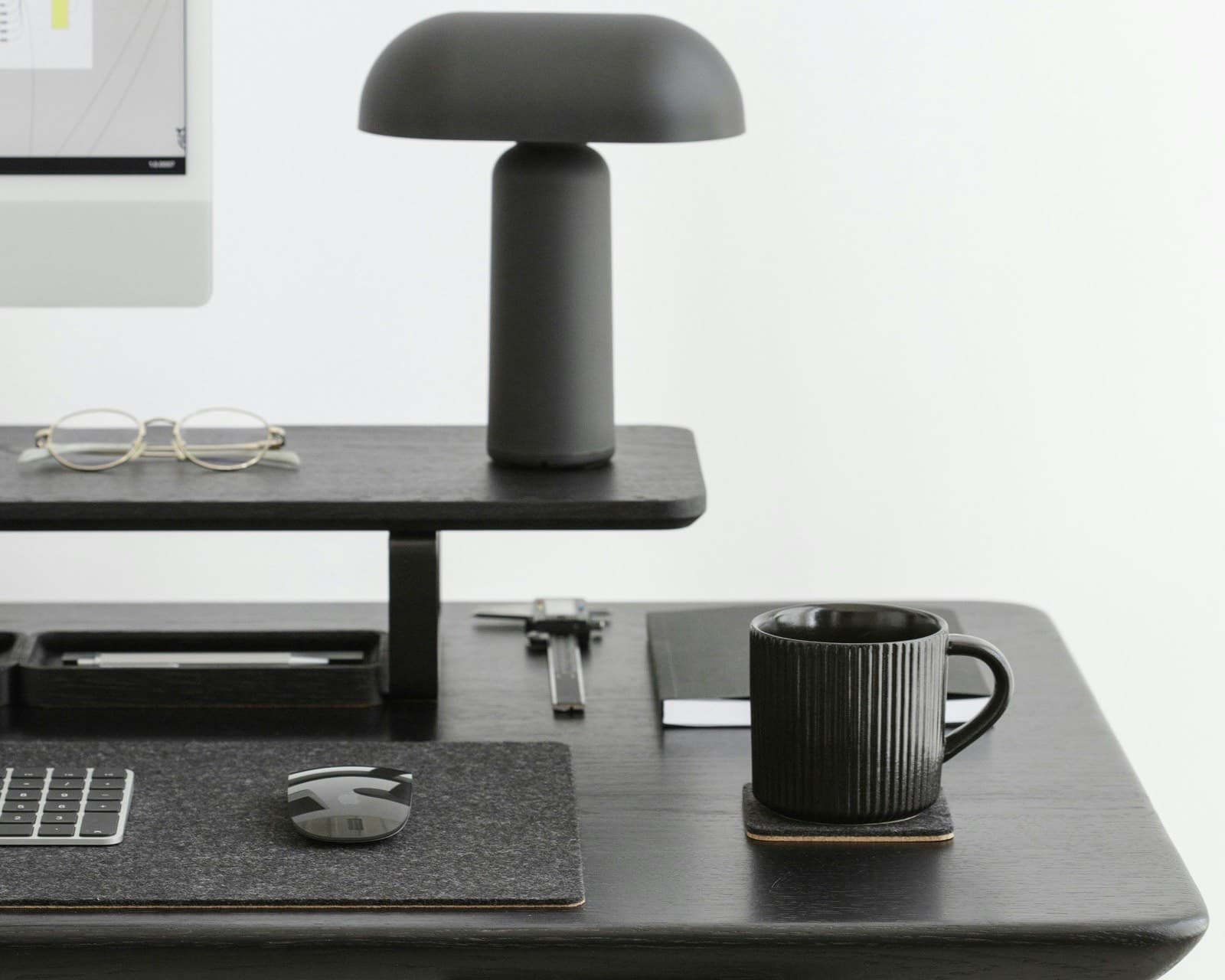
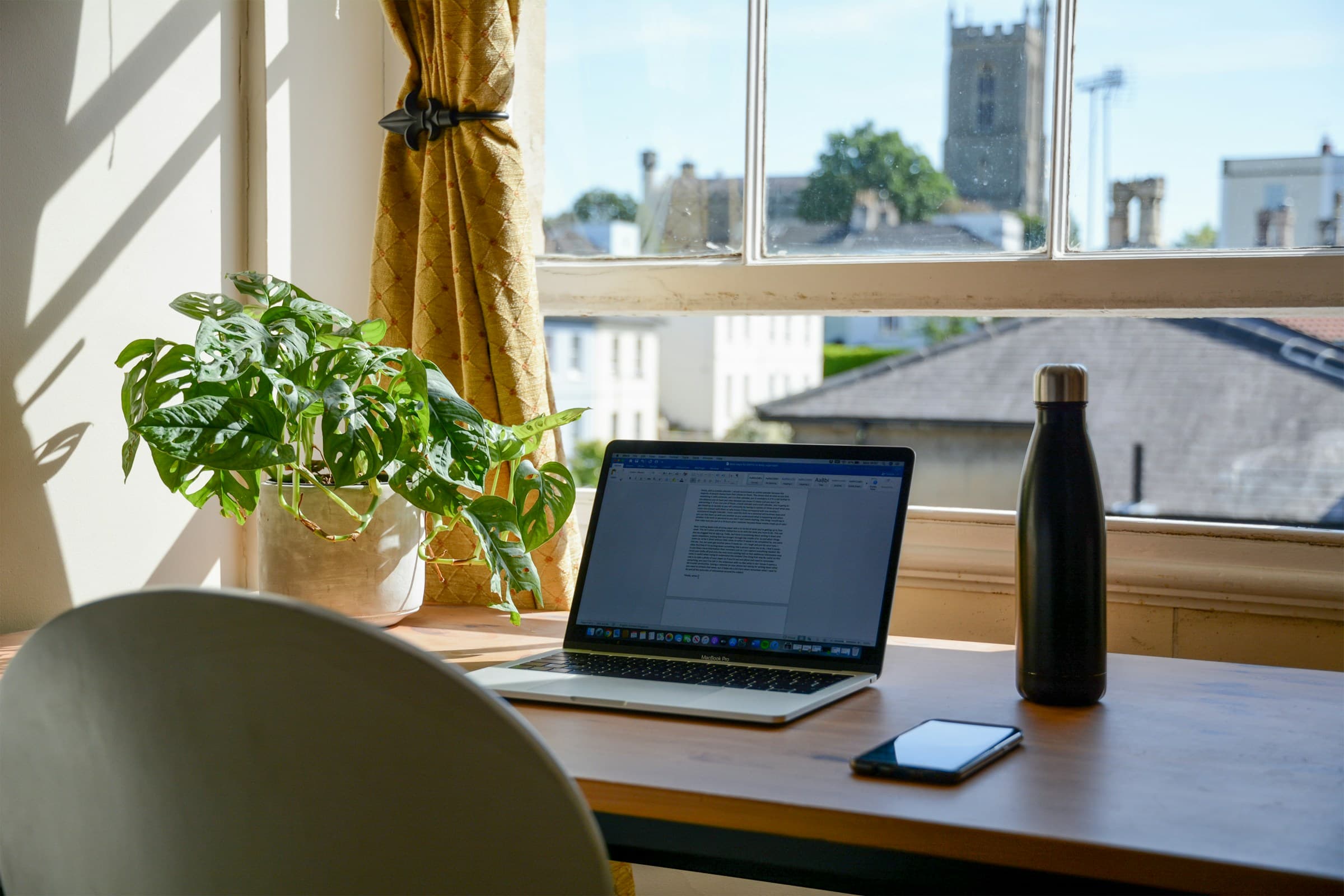
Desk mat: useful, beautiful, or just a gadget?
A useful surface when it supports your movements, without promising to correct your posture.
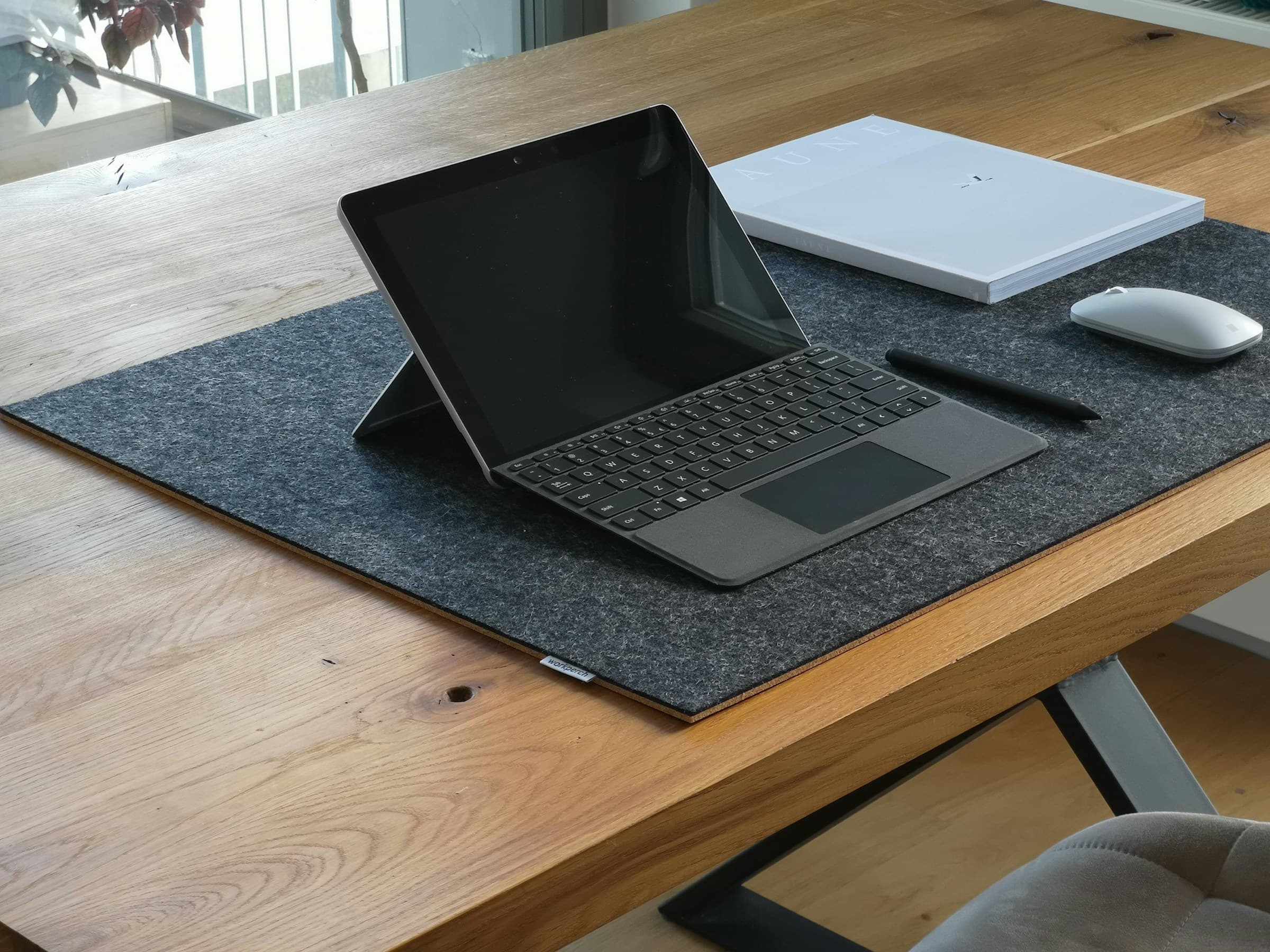
Photo: Workperch / Unsplash
The desk mat sits in a strange category. It looks like decor, but you touch it all day. It is sold as comfort, yet it cannot fix a low screen or a mouse pushed too far away. So the question is fair: useful, beautiful, or just another home office gadget?
Yes, a desk mat can be useful. Just not in the way many product pages suggest. It will not raise a low laptop screen, replace a properly placed mouse, or make wrist pain disappear. More modestly, it can put a stable boundary on the table and make the contact under the hands less harsh.
01. What a desk mat really does
A good desk mat reserves part of the desktop for the work in front of you. The keyboard returns to the same place. The mouse has a predictable surface. The notebook stops drifting into the middle of the desk.
That boundary matters most at home, where the same table may hold work in the morning, paperwork later, dinner at night. The mat says: this is the workstation. It does not tidy the desk for you, but it gives tidying a starting point.
Place your keyboard, mouse, and notebook exactly as you use them. If the mat gives each object a natural place, it helps. If it makes you tuck in your elbows, lift your wrists, or push the mouse too far away, it is decorating more than working.
That is close to the logic in our piece on visible order at the desk. What matters is whether the surface stays legible. A useful mat answers a small question you should not have to ask all day: where does the hand work?
02. What ergonomics can say, and no more
The word ergonomic arrives too quickly. A soft mat does not protect the wrists by magic. Official guidance talks instead about position: keyboard, mouse, arms, screen. OSHA recommends keeping the mouse at the same height as the keyboard and as close as possible. Mayo Clinic says the same thing in practical terms: keep the mouse within easy reach, on the same surface as the keyboard, with the wrist straight and the upper arm close to the body.
A desk mat helps only if its format gives the mouse enough room to move without reaching the edge. It gets in the way if the edge is thick, if the mat slides, or if the usable area is too short. Material does not fix geometry.
Wrist rests need the same restraint. OSHA and CCOHS describe them as places to rest or to reduce contact with a hard surface, not as supports to lean on while typing. The hand still needs to move. If the edge of the mat becomes a permanent pressure point, the format or position is wrong.
A desk mat can make contact feel softer. It does not treat pain, correct screen height, or replace movement. Persistent or unusual discomfort belongs with a health professional, not with another accessory purchase.
03. Surface matters: contact, sound, light
The desktop looks passive, so it gets ignored. Yet it is what the hands meet all day. A hard, shiny, or cold surface can make every small gesture more noticeable: a mouse dragging, a keyboard sounding, a notebook sliding, reflected light near the screen.
INRS guidance on screen work asks for lighting that avoids glare and reflections. A matte desk mat will not fix lighting. It only avoids adding another shiny plane under the hands. That is modest, but sometimes it is enough.
You notice the difference in repeated gestures: writing, moving a mouse, setting down a pen or opening a notebook. Felt or another textile surface does not make the desk more productive. It can soften contact with the desktop, which is a material quality rather than a performance claim.
Reading the three desk-mat zones
- Active zoneKeyboard and mouse at the centre of the action.
- Nearby holding areaThe notebook has a place to the side.
- Clear edgeLeave space for the forearm in front of the keyboard.
04. Materials: felt, cork, leather, plastic
Material matters more than style. Plastic protects well against liquid, but it can shine, stick to the skin, or age quickly to the eye. Leather and leather-like surfaces feel smooth. They mark differently depending on the finish, and their sourcing deserves attention. Felt is more matte and softer to the touch, but it remains a textile.
The International Wool Textile Organisation notes that wool is naturally stain resistant and attracts less dust than some other fibres. That does not make felt waterproof. Coffee still needs to be blotted quickly. Dust needs brushing. Pilling can happen. The surface is calm because it is textile. It should be treated like one.
Cork usually works underneath. Silva and co-authors describe cork as light, resilient, impermeable to liquids, and useful in cushioning and insulation contexts. Under a desk mat, that translates into a simpler role: it helps the mat grip, protects the table, and keeps the underside stable. It does not make a felt top waterproof.
In our guide to materials that make the difference, the same rule keeps coming back: a material is worth what it does. Felt can soften contact, cork steadies the mat, plastic protects but can dominate the surface, and leather can develop marks over time. None is best everywhere.
05. When the mat becomes a gadget
A desk mat becomes a gadget when it solves a photograph instead of a use case. Too large, it takes over the whole desktop. Too small, it sends the mouse outside the zone. Too thick, it creates an edge the forearm notices all day. Too pale, it asks for a level of care you may not keep.
One warning sign is framed clutter. Everything lands on the mat: earbuds, mail, charger, receipts, glasses, cup, closed notebook, phone. Visually, it looks contained because everything is “on” the mat. In practice, the active zone has disappeared.
Another warning sign is the isolated ergonomic promise. If the screen is too low, if the mouse is too far away, if the chair keeps the shoulders raised, the mat cannot compensate. Start with the base: screen height, mouse distance, keyboard position, breaks. The mat comes after that, as the surface layer.
06. How to choose without buying decor
The right size depends less on the desk than on the gesture. For a laptop alone, a smaller pad may be enough. With a separate keyboard and mouse, you need enough width for the mouse to move without dropping over the edge. If you often write by hand, keep a notebook zone to one side instead of forcing it into the centre.
Thickness should stay quiet. A very thick mat can look comfortable in a photo, but it can create a step at the wrist. A thin or bevelled edge disappears more easily. Stability matters as much as the top surface: a mat that slides with every mouse movement needs constant repositioning.
Maintenance has to match the day you actually have. If you drink above the keyboard, choose a surface you are willing to clean. If the desk is part of a living room, a quiet matte material usually holds its place better than a loud one. If you work with a lot of paper, avoid a texture that catches sheets too much.
To compare product listings, a few size markers come up again and again: around 60 × 30 cm for a laptop on its own, 80 × 40 cm once a separate keyboard and mouse share the surface, 90 × 40 cm and up to keep a notebook zone. For thickness, 2 to 3 mm is enough to soften contact and sound; beyond 5 mm, check that the edge does not create a step under the wrist. Treat these as rough size guides; choose the format to fit your layout.
Choose the desk mat after placing the keyboard, mouse, and notebook. The mat should serve that layout. If it makes you move the keyboard or mouse away from the positions that suit you just to fit its dimensions, it is the wrong object.
In practice: useful, beautiful, or gadget?
Useful, if it clarifies the active zone and makes contact quieter. Beautiful, yes, but only if that beauty holds up in use: a material that ages properly, a format that does not interfere, a colour that does not ask for too much attention. A gadget, as soon as it promises more than that.
A desk mat does not need to change the way you work. It should make a few gestures easier to repeat. That is enough.
INRS, “Travail sur écran. Prévention des risques”
OSHA, “Computer Workstations eTool: Components”
OSHA, “Computer Workstations eTool: Pointing Devices”
OSHA, “Computer Workstations eTool: Wrist/Palm Support”
Mayo Clinic, “Office ergonomics: Your how-to guide”
. Our selection: the Oakywood mat now lists its size (90 × 30 cm) and is no longer described as merino felt.